
See Recommended Partners
Once you have connected with your known partners, PartnerTap can surface additional partner contacts who already have accounts that overlap with yours. These are your Recommended Partners.
What Recommended Partners shows you
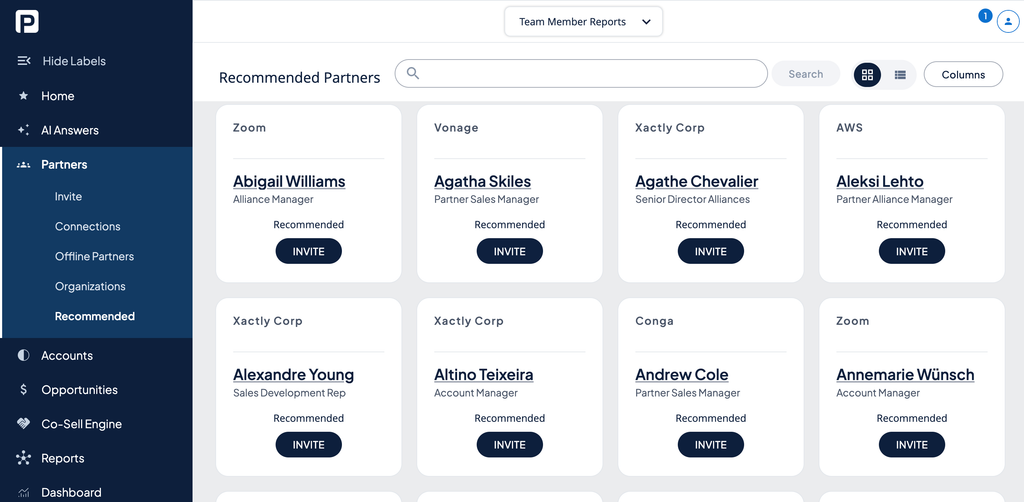
Recommended Partners shows individual partner contacts who have overlapping accounts with you. Each card displays the person’s name, title, and company. PartnerTap automatically maps users from recommended organizations to identify users that have overlapping accounts.
How to connect with a recommended partner
- Click Partners in the left sidebar.
- Click Recommended.
- Review the list. Use the search bar to filter by name or company.
- Click Invite on any partner you want to connect with.
- Set your sharing scope and columns for accounts and opportunities. See Set account sharing rules (opens in a new tab) to learn more.
- Personalize your message and click Send.
Want to scale?
See the leading multi-partner co-selling platform.
Invited by a partner?
Sign up for a free PartnerTap account.