
Create your account
Many of the world’s largest companies are rolling out PartnerTap to securely share data, automate account mapping, and operationalize their co-sell motion with their top partners. Partners invited by an enterprise customer can use PartnerTap for free. In free organizations, all users are automatically Channel Administrators.
Create your account
There are two ways to reach the sign-up page: go directly to app.partnertap.com (opens in a new tab) and click Go to Sign Up, or click the invitation link in an email from your partner. Check your email for an invitation by searching for “Join me on PartnerTap”.
Once on the sign-up page, choose your login method:
1. Sign Up with Email:
Sign up with your business email address, create a password, and complete MFA.
2. CRM SSO (HubSpot or Microsoft):
Sign up using your existing CRM credentials. Note: This step does not sync your CRM data to PartnerTap.
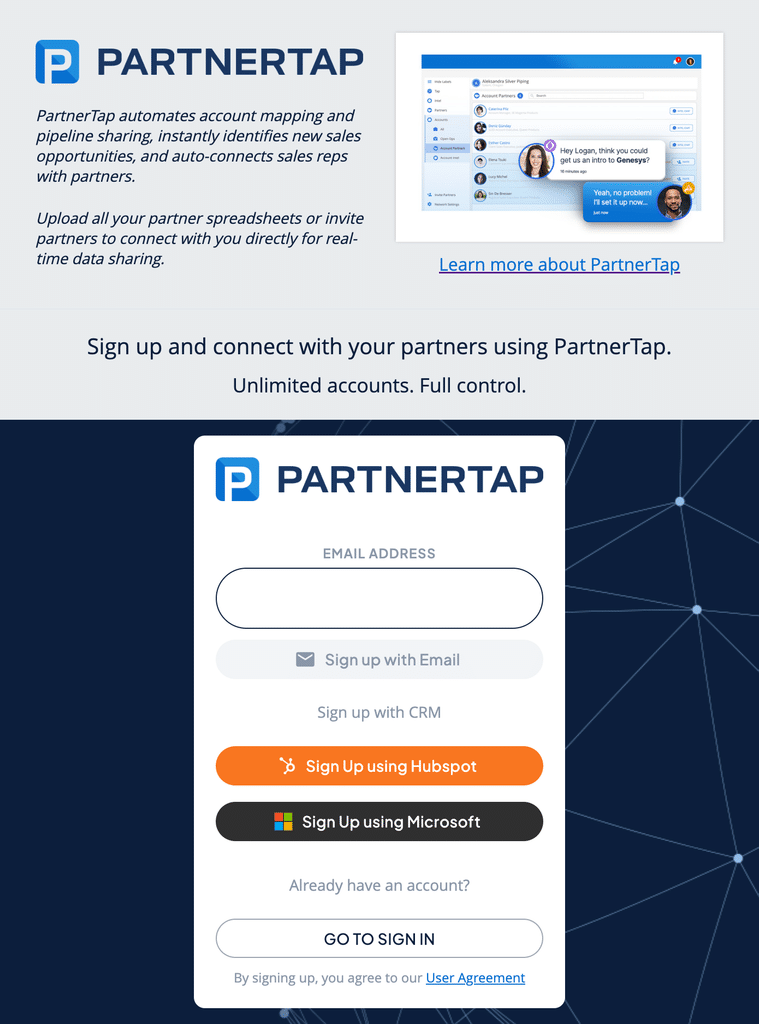
Using Salesforce SSO? There is no Salesforce button on the sign-up page. Salesforce SSO requires setup by your Salesforce Administrator before your team can use it. Two steps are required: install the PartnerTap ECA in your Salesforce org, then request SSO enablement from PartnerTap. See: Salesforce SSO Setup Guide (opens in a new tab).
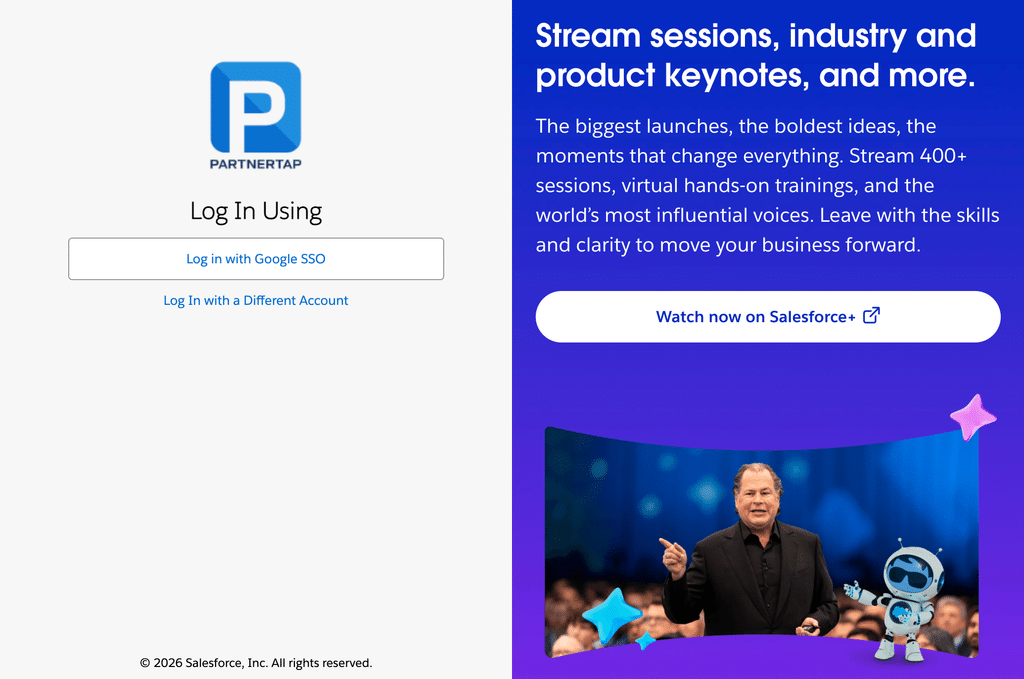
Once enabled, users go to app.partnertap.com (opens in a new tab), enter their email, click Sign In, and are redirected to the Salesforce login page to complete authentication.
What happens next
Your account is active. No data has been loaded yet. Your next step is to set up your profile, then prepare and load your account data.
Want to scale?
See the leading multi-partner co-selling platform.
Invited by a partner?
Sign up for a free PartnerTap account.